
What integration solves
Integration takes over the job of carrying data between your systems by hand. In most businesses each system works on its own and a person fills the gap between them: someone takes the order from e-commerce and types it into accounting, updates stock in two places, copies shipment tracking by hand. That work is invisible, repetitive and error-prone.
What matters is being able to proceed without replacing your existing systems. The layer we add speaks to each side in its own language; you don’t change your habits, the manual carrying simply disappears.
Integration types
Two things decide which type you need: whether data changes in one system or in both, and how quickly it has to reach the other side. A one-way transfer, where one system is the source, takes 1-2 weeks to set up. Keeping records current on both sides needs a conflict rule and takes 2-4 weeks.
| Type | When to use it | Time |
|---|---|---|
| One-way transfer | One system is the source, the other only receives | 1-2 weeks |
| Two-way synchronisation | Changes happen in both systems and both must stay current | 2-4 weeks |
| Instant (webhook) triggers | The other side must be updated the moment an event happens | 1-3 weeks |
| Batch / scheduled transfer | Latency is fine, volume is high | 1-2 weeks |
| Building your own API | You will expose data to dealers, customers or partners | 2-5 weeks |
A typical budget for this service is US$2,500-7,000, excluding VAT (as of October 11, 2026). Where you land in that range depends on the number of user types, the systems to connect and how much design work there is; the exact figure comes as one price once the scope is written down.
Cost and timeline guide
Every budget band, our rates by role and the timeline for each scope tier, on one page.
Pricing
The four engagement models, payment terms and what the price covers.
The hard part: failure cases
The real work is deciding what happens when the other system doesn’t respond, the same record is sent twice or a field arrives in an unexpected format. The happy path, where data goes out and the other side takes it, is the easy part. Every flow we build has retries, duplicate protection and alerts for failed transfers. We don’t deliver an integration without a monitoring screen, or you would find out it broke at month end.
You find out how good an integration is on the day the other side stops responding.
Decisions to settle before an integration starts
The most critical ones are which system is the real source for each piece of data, how both systems will recognise the same record, and which side wins when they conflict. These are business decisions. If they change later, part of the flow may have to be rewritten, so we settle them all with you before any code is written.
Where the master record lives
Which system is the real source for customer details, stock and prices? Each piece of data needs one answer.
The matching key
How will both systems recognise the same record: product code, tax number, email? If codes don’t line up, a mapping table comes first.
The conflict rule
If the same record changed on both sides, which one wins? In a two-way sync this rule is written down up front.
Historical data
Will old records move across too, or only new ones from today? Historical data is usually the part that needs the most cleaning.
Frequency
Instant, hourly or once a night? Minutes can matter for stock, while a daily transfer is often enough for accounting.
Who hears about errors
When a record gets stuck, who is notified and who fixes it? Name a person or a role.
How does e-commerce and ERP integration work?
A layer running between your shop and your ERP picks up each new order, matches its product codes to the ones in the ERP, then creates the invoice and the stock movement there. A shipment is created next, and the tracking number travels back the same way to the shop.
In this flow a person only steps in for exceptions: a product code that doesn’t match, an item that’s out of stock, or a shipping system that isn’t responding at that moment. Everything else moves along without anyone watching the screen.
When a connection needs a small module alongside it
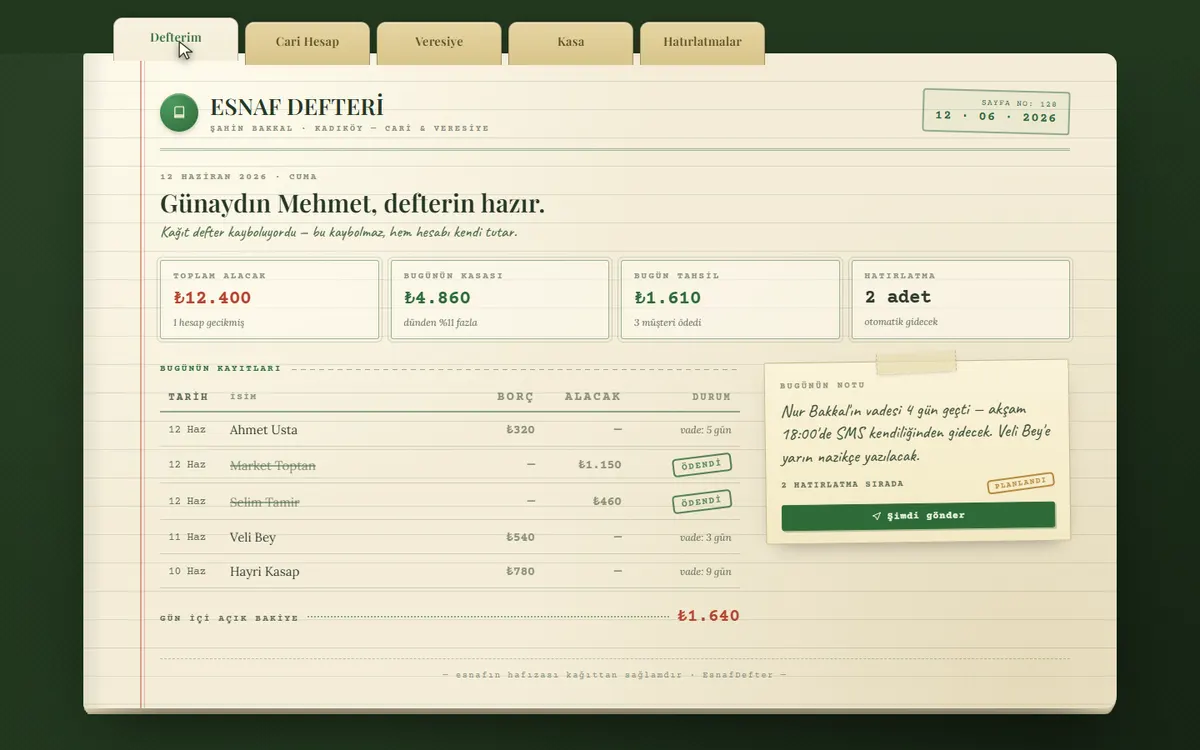
Sometimes the data is already in your ERP or accounting package, but its screens are awkward for daily work. Tracking receivables and sending payment reminders is a good example. Instead of replacing the system, we can build a small module that reads the data from it, shows it on a simpler screen and writes payments back.
Frequently asked questions
My system has no API. Can it still be integrated?
In most cases yes. Without an API we can work through export files, read-only database access or scheduled report flows. This route takes longer than an API integration (typically 3-5 weeks), but it is workable. The first step is always reviewing which exit paths the system offers.
Will integration break my existing systems?
No. The layer we build runs outside the systems and uses read-only access wherever possible. Where writing is required, it is validated in a test environment first. If your existing setup needs changes, that is discussed explicitly rather than done quietly.
What happens if a transfer fails?
The flow retries automatically; if it still fails after a set number of attempts, the record is queued and a notification is sent. From the monitoring screen you can see which record is stuck and where, fix it and re-trigger. Nothing is lost silently.
Does an integration need maintenance?
Yes, because the systems on the other side change their APIs over time. Such changes are usually announced in advance and handled with small updates. We provide monitoring and maintenance after delivery; if you take the source-code transfer, available for an additional fee, your own team can also take it over.
Do we need to share our system passwords for the integration?
Personal user passwords aren’t needed. Wherever the system allows, a separate integration user or API key is created with only the permissions required, and work starts in a test environment. If you like, we sign your NDA before any work begins.
Can we start one-way and move to two-way sync later?
Yes, and it’s a common route. A one-way transfer takes 1-2 weeks and two-way synchronisation takes 2-4 weeks. Starting one-way and checking that data matches correctly also makes it easier to set the conflict rules using real records.